
Quick summary
A virtual phone system lets employees make and receive business calls from different locations and devices without being tied to one office.
- Employees can answer calls through desk phones, a desktop app, or a mobile app without sharing personal contact information.
- Call routing directs incoming calls to the right person, department, or location.
- A cloud phone system can connect multiple offices under one business phone system.
- Centralized call management makes it easier to add users, update settings, and support growth.
What Is a Virtual Phone System?
Business communications used to revolve around a physical office. Employees had desk phones, customers called a central number, and most conversations were routed through equipment installed somewhere in the building.
That setup becomes harder to manage when employees work from home, teams split their time between locations, or a business opens additional offices.
A virtual phone system is a phone service that uses voice over internet protocol to transmit voice calls or voice data in packets over an internet connection. It can also be described as a VoIP phone system, cloud-based phone system, or virtual office phone system.
Instead of keeping the entire phone system inside one office, employees can use a VoIP phone, computer, cell phone, or another internet-connected device. They can place outbound calls, receive calls, transfer callers, and check messages through desktop and mobile apps.
The small business owner still uses professional business phone numbers. It can choose a local phone number, toll-free number, virtual phone number, or multiple virtual numbers for different departments and locations.
How Does a Virtual Phone System Work?
To understand this business phone solution, imagine a customer calling one main number.
The phone system uses call routing, auto attendants, or interactive voice response to direct the caller to sales, billing, customer support, or another department.
The employee who receives the call might be at headquarters, in a branch office, or working from home. They can answer calls through a desktop app, mobile phone app, or desk phone while caller ID displays the company’s information.
Because the system operates through internet protocol, administrators can manage calls, users, extensions, and routing rules through an online portal. A reliable high-speed internet connection helps maintain clear phone calls and dependable service.
What Are the Main Business Benefits of a Virtual Phone System?
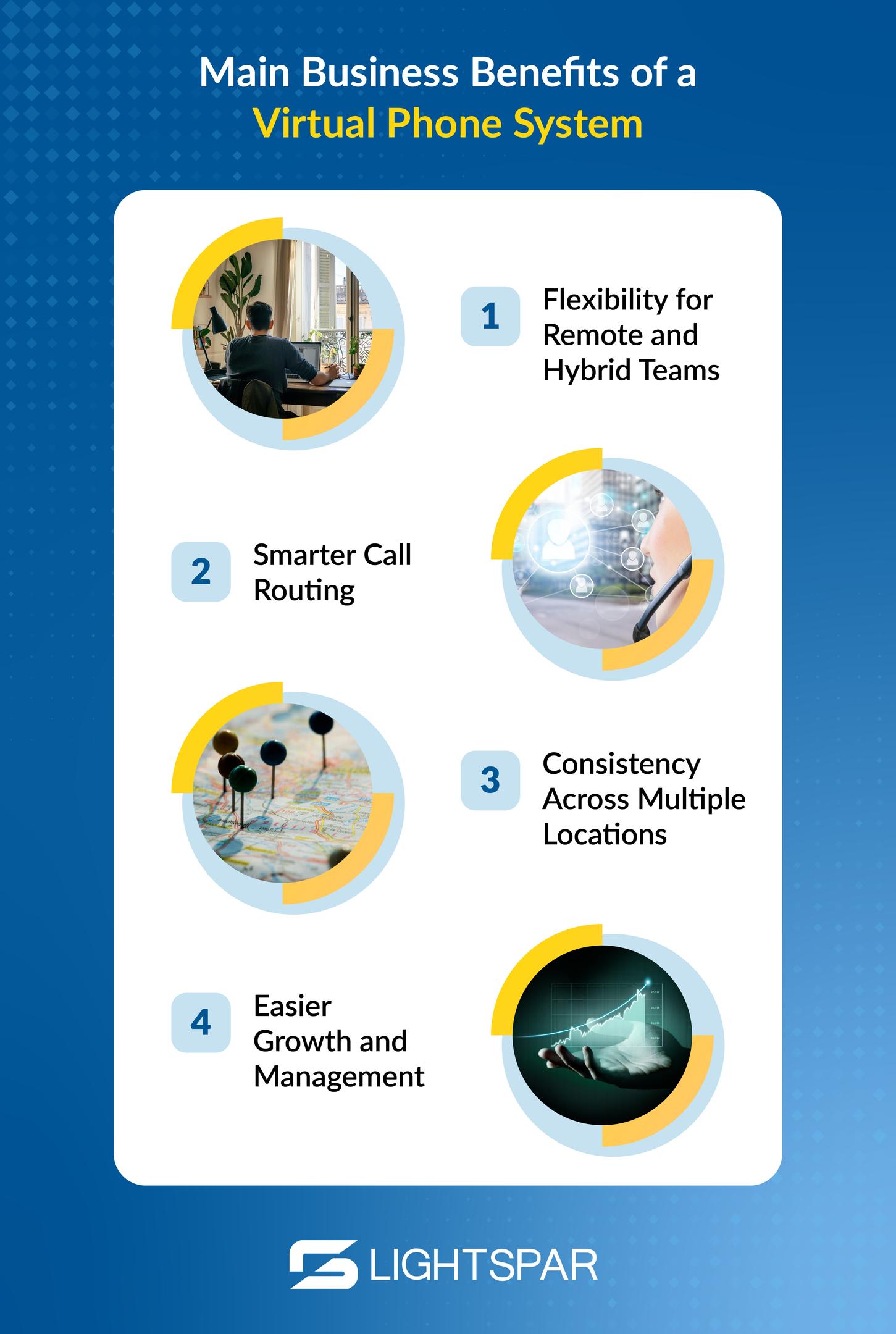
Flexibility for Remote and Hybrid Teams
A virtual business phone system allows remote teams to use business calling tools without exposing a personal cell phone number.
Employees can make business calls from a mobile device while displaying the company’s phone number. This protects personal information, supports a professional image, and helps sales teams remain available when traveling or working outside the office.
The scalability of a virtual phone system also allows quick addition or removal of users or phone lines for growth management.
Smarter Call Routing
Customers shouldn’t need to call multiple offices to find the right person.
Advanced features like call forwarding, business hours rules, ring groups, and auto attendants help route incoming calls more efficiently. A customer can call one number, choose customer support, and reach an available employee at any location.
When no one is available, voicemail to email or voicemail transcription can help the team respond sooner.
AI Call Routing Adds a More Natural Caller Experience
Traditional call routing follows the rules you set. AI Call routing can make that process feel a little less like a phone tree and a lot more like talking to someone who understands why you called.
An AI receptionist can help identify what a caller needs and direct them to the right person, department, or location. For businesses with remote employees or multiple offices, that means customers don’t necessarily need to know which branch or extension to choose.
It can also help handle common questions, take messages, or keep calls moving when employees aren’t immediately available. The virtual phone system keeps everyone connected, while AI helps make getting to the right person a little easier.
Consistency Across Multiple Locations
A growing company doesn’t need a separate new phone system for every office.
A virtual phone can connect several locations through shared extensions, consistent greetings, and centralized call management. Employees can transfer phone calls between offices without asking the customer to hang up and dial another number.
Businesses can also use local numbers or local virtual numbers (in up to 180+ countries) to establish a familiar presence in different markets while keeping employees connected through the same virtual network.
Easier Growth and Management
Expanding traditional phone systems can require new wiring, hardware, or technician visits.
With virtual phone services, an administrator can usually complete setup in under an hour without hardware. They can also add a user, assign permissions, and activate a new phone number through an online dashboard. Employees can also use their own devices when appropriate, reducing reliance on additional equipment.
This scalability supports growing small businesses, new locations, and changing staffing needs.
More Advanced Features
A lot of virtual phone system providers include more advanced features beyond calling, such as:
- Call recording
- Call analytics (for tracking metrics like wait times and call volume)
- Video conferencing
- Team messaging
- Voicemail transcription
- Mobile and desktop applications
- Integrations with other business tools
These tools allow managers to monitor activity and help employees manage calls, meetings, and messages through fewer platforms.
How Much Does a Virtual Phone System Cost?
Virtual phone system cost varies based on the number of users, included features, equipment, calling requirements, and level of support. Businesses can typically save up to 70% on communications costs with a virtual system.
Some plans include unlimited calls within certain regions, while international calling may be billed separately. Businesses should also consider whether desk phones, installation, training, or network improvements are included.
Potential cost savings can come from reducing on-site equipment, avoiding separate systems for every location, and simplifying administration. Just remember, the lowest-priced option isn’t always the best for your business.
How Do You Choose the Best Virtual Phone System?
The best virtual phone system is the one that fits how your employees and customers communicate.
When comparing virtual phone system providers, ask:
- Can employees use desk phones, a desktop app, and a mobile app?
- Can users receive phone calls and place outbound calls from different locations?
- Can the system support remote teams and multiple offices?
- Can we keep our existing phone number and business phone numbers?
- Does it include call routing, call forwarding, caller ID, and call recording?
- Are call analytics, video conferencing, and voicemail to email available?
- What customer support is included?
- What type of internet connection is required?
The right virtual phone system should be easy for employees to use, simple for administrators to manage, and dependable for customers.
Is a Virtual Phone System Right for Your Business?

A virtual phone system may be a strong fit if your organization has remote employees, multiple locations, growing sales teams, or outdated phone equipment.
Moving away from traditional phone lines doesn’t mean giving up reliable, professional phone service. It means using a more flexible virtual phone system that supports mobility, scalability, and a consistent customer experience.
LightSpar helps organizations modernize their business communications through cloud calling and unified communications business phone system solutions. Whether you’re replacing physical phone systems or connecting remote and hybrid teams, the right setup can help your employees communicate effectively from wherever business takes them.
Contact LightSpar to discuss a new phone system built around your employees, locations, and customers!